Custom roles
It is also possible to define custom roles if the predefined ones do not fulfill your requirements. In the right tab on the organization view, you will see a tab "Custom Roles".
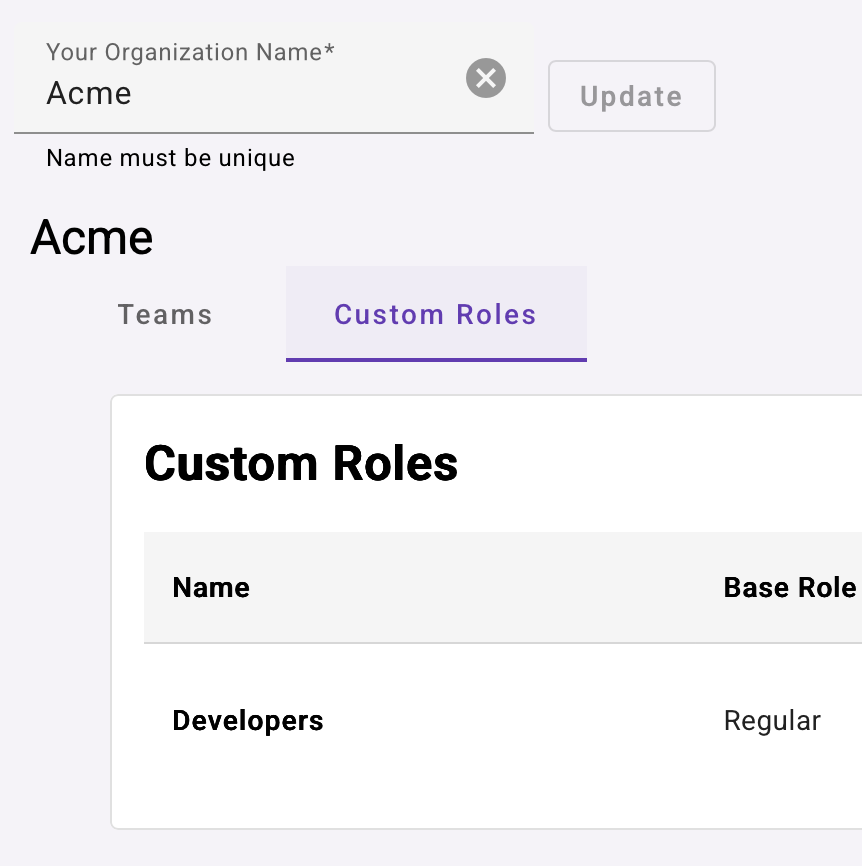
In this tab you can see all the custom roles that you have created. You can create as many as you need, just hit the create button to get a new dialog that will allow you to choose any permissions you want for your new role. Note that custom roles are based on a built-in role, this will help you to faster create new roles, for instance if there is a built-in role that almost fulfill your needs but you need to customize it a bit. You can either inherit the permission from the base role, enable it or disable it. This will give you quite good granularity on the actions that are allowed for any given role.
.png)
When you have a created a role, you will now be able to use it when inviting new members or change existing members to use the new role.
.png)
The user with the new custom role attached will now be limited or allowed to access operations enabled by this new role.